
 HOLD = BEFORE
EE E01EDITORIAL
Golden Editorial
Warm golden-olive editorial with glowing skin. Made for jewelry and indoor portraits.
EVIGIEE EDITS · Lightroom presets
30 film, editorial and UGC looks made by a working photographer, tuned on real client shoots and built for the free Lightroom app on your phone. Import one file, tap a look, done.
BeforeAfter
The collection
Every example is an unedited photo from Alexander Viklund's own shoots. After = one preset plus a quick exposure and temperature tweak, exactly what the install guide shows you. Press and hold any image to see the original.
HOLD = BEFORE
Warm golden-olive editorial with glowing skin. Made for jewelry and indoor portraits.

 HOLD = BEFORE
Matte, creamy retro with even, peachy skin tones. Built for portraits of women.

 HOLD = BEFORE
Muted olive tones and soft contrast. Minimal interiors and fashion portraits.

 HOLD = BEFORE
Airy and soft with sage greens and warm skin. Hotels, interiors, window light.

 HOLD = BEFORE
Scandinavian editorial: cool, matte and muted, with warm skin preserved.

 HOLD = BEFORE
Sun-bleached, sandy and warm with washed-out blacks. Beach, linen, summer fashion.

 HOLD = BEFORE
Soft, natural 35mm film: peachy skin, pastel blues, gentle highlights.
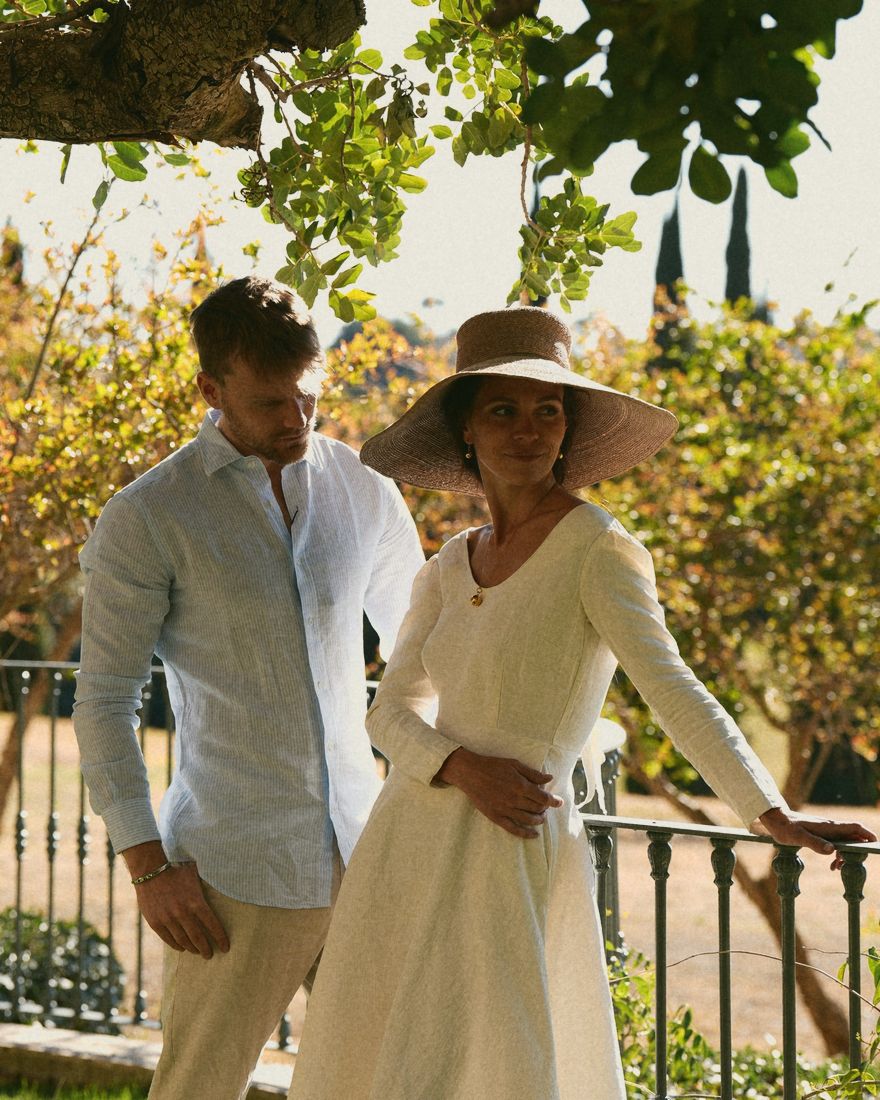
 HOLD = BEFORE
Warm consumer-film look: golden tones, bright reds and yellows. Everyday summer film.

 HOLD = BEFORE
Direct flash on color film: crisp, saturated, deep blue skies and clean primaries.

 HOLD = BEFORE
Tungsten film for nights: teal shadows, glowing warm lights and rich reds.

 HOLD = BEFORE
Faded 90s film: lifted blacks, yellow-green cast and low contrast.

 HOLD = BEFORE
35mm on vacation: saturated deep blue sky and water, sun-kissed warm skin.

 HOLD = BEFORE
Classic black & white film with deep contrast and bright skin.

 HOLD = BEFORE
Bright and sunny with softly blooming highlights and clear blues.
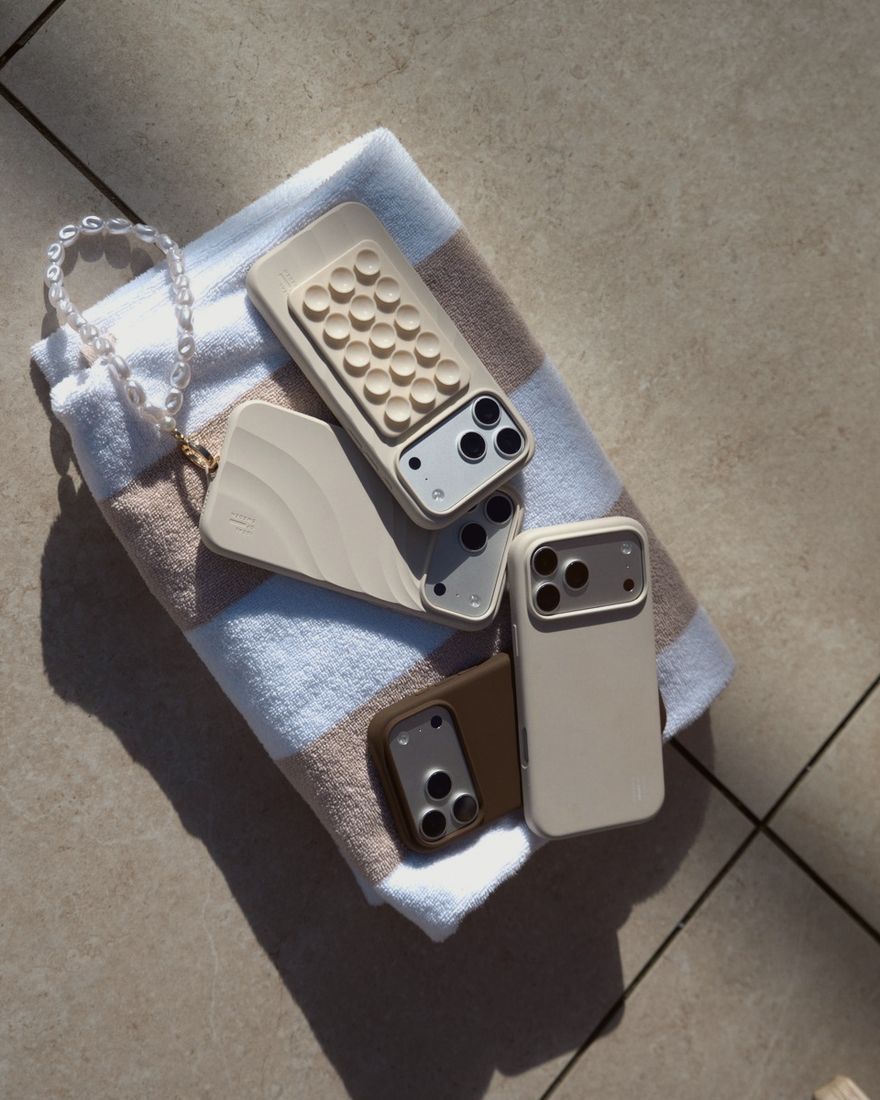
 HOLD = BEFORE
Clean, bright and fresh: turquoise water, neutral whites, natural tan.

 HOLD = BEFORE
Deep rich blue sky, warm earth and bold reds. Strong fashion in sunlight.

 HOLD = BEFORE
Warm 70s sepia with orange skin, muted blues and matte highlights.

 HOLD = BEFORE
Everything bathed in golden light. Sunsets, silhouettes, dunes.

 HOLD = BEFORE
Cinematic teal shadows, warm highlights and protected skin tones.

 HOLD = BEFORE
Dark, moody city look. Almost colorless, deep blacks, cool grey.

 HOLD = BEFORE
Monochrome blue hour. Snow, sea, dusk and silhouettes.

 HOLD = BEFORE
Bright, cold and clean. Winter, snow, tech and cars.

 HOLD = BEFORE
Deep navy sky, crisp white snow and contrast. Sports and outdoor.

 HOLD = BEFORE
Monochrome glowing orange. Studio, colored backdrops, art.

 HOLD = BEFORE
Hard side light: deep shadows, strong colors and rich skin.
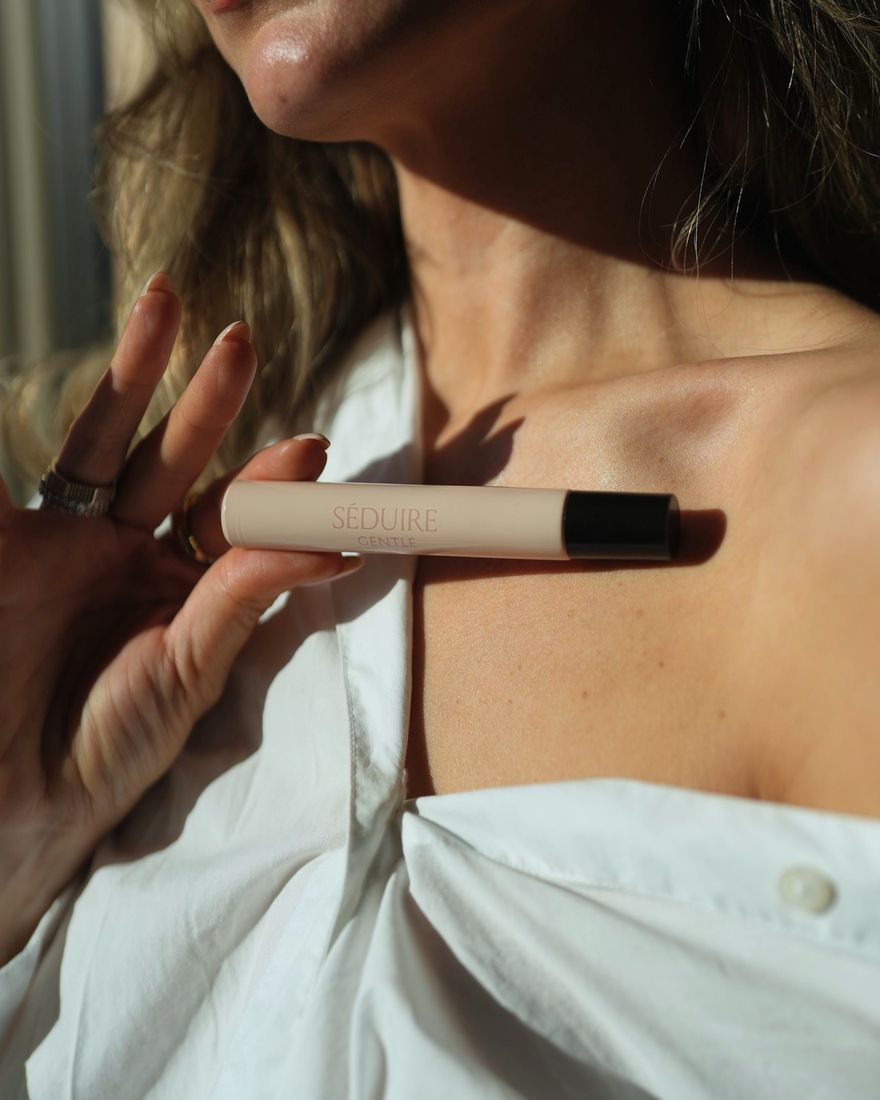
 HOLD = BEFORE
Phone/UGC look: lifted shadows, soft highlights, natural but lively color.

 HOLD = BEFORE
Bright, clean creator look for products, unboxing and everyday content.

 HOLD = BEFORE
The underexposed look everyone is posting: darker midtones, protected highlights, warm skin.

 HOLD = BEFORE
Dim and underexposed with softly faded blacks and film grain. Evenings, cafés, at home.

 HOLD = BEFORE
Dark night-out look: cool shadows, warm skin and lights, clear contrast. Flash and nightlife.
Compare
Start with one collection or get every look. The Bundle costs less than three collections.
Shop
Every pack includes the 10 tools and works on phone and desktop.
How it works
No desktop and no subscription needed. The free Lightroom app is enough.
Free
UGC Natural, Golden 200 and Clean Coastal. Check out for 0 kr and they land in your inbox, so you can test them on your own photos before you buy.
Get the free packFAQ
No. Presets work in the free Lightroom mobile app on iPhone and Android. You also get them for Lightroom Classic, Lightroom desktop and Camera Raw.
Save the zip to your phone, open any photo in Lightroom, tap Presets › ··· › Import Presets and pick the zip. The color profile is built into every preset, so that's it. A step-by-step guide is included.
The looks were tuned on phone JPEGs, HEIC and RAW. Every photo is different: apply a look, then adjust Exposure, Temperature and the Amount slider. The Phone Fix tool removes the harsh phone HDR look.
Bundle has all 30 presets + 10 tools. Premium adds the 30 looks as color profiles (with an Amount slider in Lightroom desktop) and as video LUTs for Premiere, DaVinci, Final Cut and CapCut.
Yes, on unlimited photos and videos, personal and commercial. You may not share or resell the files.
Because the files are digital and delivered instantly, the right of withdrawal ends when you download. If something doesn't work, email us and we'll fix it or refund you.